
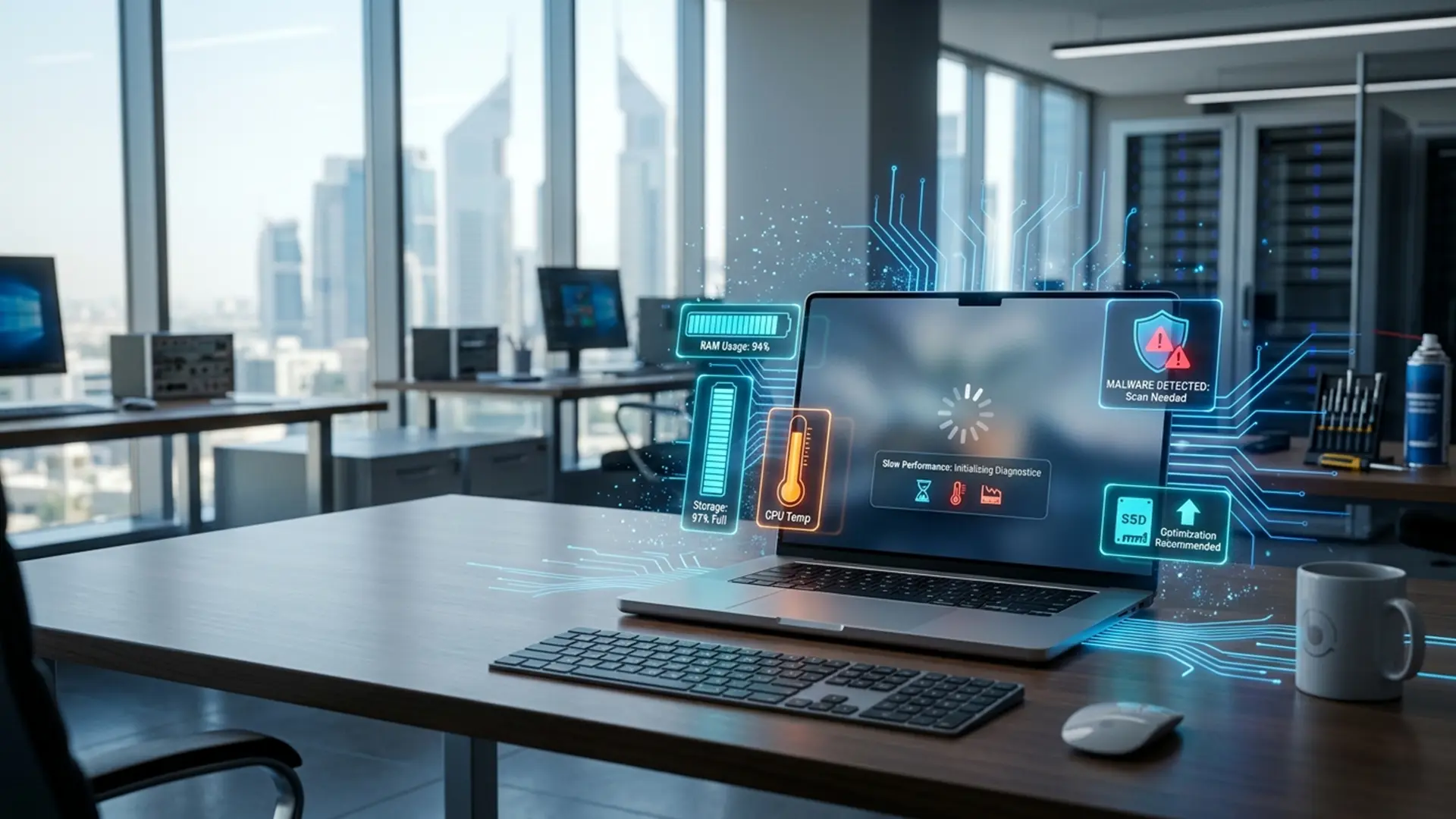
A slow laptop can turn simple tasks into frustrating delays. Applications take longer to open, browser tabs freeze, files respond slowly, and the device may become less reliable throughout the day.
The problem is not always caused by one faulty component. Slow laptop performance can come from software issues, limited storage, insufficient RAM, overheating, malware, an ageing hard drive, or several smaller problems working together.
This guide explains the most common reasons a laptop becomes slow, what you can check safely, and when professional diagnostics may be the better option.
1. Too Many Programs Start with Windows
Many applications configure themselves to open automatically whenever the laptop starts. Cloud tools, messaging apps, update utilities, gaming launchers, and manufacturer software can all consume system resources before you begin working.
Too many startup programs may cause:
- Slow startup
- Delayed desktop loading
- High memory usage
- Slow response after signing in
You can review startup applications through Windows settings or Task Manager. Disable only programs you recognise and do not need immediately after startup.
If the laptop remains slow after reducing startup activity, the issue may need broader Software Services such as system cleanup, software troubleshooting, or performance optimisation.
2. The Storage Drive Is Almost Full
Your operating system needs free storage to create temporary files, install updates, manage applications, and perform routine background tasks.
When the drive is nearly full, you may notice:
- Slow file access
- Failed system updates
- Apps taking longer to open
- Freezing while copying files
- Warnings about low storage space
Deleting unnecessary downloads and temporary files can help. You can also move large photos, videos, and archived projects to suitable backup storage.
A larger or faster storage drive may be worth considering when low capacity continues to limit daily work.
3. The Laptop Still Uses an Older Hard Drive
Traditional hard disk drives contain mechanical parts and are considerably slower than modern solid-state drives during startup, file access, and application loading.
An ageing hard drive may make the laptop:
- Take several minutes to start
- Freeze while opening folders
- Respond slowly during updates
- Make clicking or unusual mechanical sounds
An SSD upgrade can often improve the performance of a compatible older laptop. However, the existing drive should be checked first, especially if it contains important files or shows signs of failure.
Storage upgrades and faulty drive replacements fall under professional Hardware Repair when internal installation or data transfer is required.
4. There Is Not Enough RAM
RAM allows the laptop to keep active programs and tasks readily available. When there is not enough memory, the operating system must rely more heavily on slower storage.
Low RAM may become noticeable when you:
- Open many browser tabs
- Use Microsoft Office alongside video calls
- Edit photos or videos
- Run design or engineering software
- Switch between several applications
Before upgrading, confirm whether the laptop supports additional or replaceable RAM. Many slim laptops and some newer devices have memory permanently attached to the motherboard.
5. The Laptop Is Overheating
A laptop may reduce its processing speed automatically when internal temperatures rise. This protective behaviour is called thermal throttling.
Common overheating signs include:
- A loud cooling fan
- A hot keyboard or base
- Performance becoming worse after several minutes
- Unexpected shutdowns
- Lag during video calls or demanding applications
Dust buildup, blocked vents, worn cooling fans, and old thermal paste can all affect cooling performance.
Avoid placing the laptop on beds, cushions, or soft surfaces that block airflow. Persistent overheating should be inspected before it affects the battery, processor, motherboard, or storage drive.
6. Malware or Unwanted Software Is Running
Malware, browser extensions, unwanted applications, and background advertising software may consume processing power, memory, network bandwidth, and storage resources.
Possible warning signs include:
- Unexpected pop-ups
- Browser redirects
- Unfamiliar programs
- High background activity
- Sudden performance loss
- Security warnings
A trusted security scan may identify common threats. Avoid installing several antivirus programs at the same time because they can conflict and slow the computer further.
Professional virus removal, malware cleanup, and system protection setup are available through the site’s Software Services.
7. Windows or Drivers Need Attention
Operating system errors and outdated or incompatible drivers can affect performance, startup, Wi-Fi, graphics, audio, and connected devices.
The problem may begin after:
- A failed Windows update
- A driver installation
- A system crash
- A software conflict
- A forced shutdown
Installing every driver found online is not recommended. Drivers should match the exact device model and hardware.
If the laptop has repeated errors, freezing, blue screens, or boot problems, professional troubleshooting may be safer than repeatedly reinstalling random software.
8. Too Many Browser Tabs and Extensions Are Open
Modern browsers can use a large amount of RAM, especially when multiple tabs contain video, web applications, dashboards, or interactive content.
Browser extensions can also continue running in the background.
Try closing unused tabs, removing unnecessary extensions, clearing temporary browser data, and restarting the browser. If only one browser is slow, the issue may be limited to that application rather than the whole laptop.
9. Background Updates and Cloud Sync Are Active
Windows updates, antivirus scans, OneDrive, cloud backups, and file synchronisation services may temporarily slow a laptop.
You may notice high disk, processor, or network use while these tasks are running.
Allow legitimate updates to finish before forcing the laptop to shut down. If the same background process remains active for hours or returns constantly, it may need troubleshooting.
10. The Hardware Is Ageing or Failing
Sometimes a slow laptop is showing the early signs of hardware failure.
Possible causes include:
- A failing hard drive or SSD
- Faulty RAM
- Battery or power problems
- Motherboard faults
- Cooling system failure
- Damaged internal connections
Replacing parts without proper testing can waste money and leave the original problem unresolved. Hardware diagnostics can help distinguish between a software slowdown and a physical component fault.
You can review the full range of computer and laptop repair services before choosing a repair path.
What Can You Do Before Requesting Repair?
Before submitting the laptop for repair, you can try a few safe steps:
- Restart the laptop
- Close unused programs and browser tabs
- Check available storage
- Install trusted operating system updates
- Remove programs you no longer use
- Run a trusted security scan
- Back up important files
Avoid registry-cleaning tools, unknown optimisation software, unofficial drivers, and online instructions that require opening the laptop unless you have suitable experience.
Should You Upgrade or Replace a Slow Laptop?
An older laptop does not always need to be replaced.
An SSD upgrade, additional RAM, internal cleaning, software cleanup, or operating system repair may extend its useful life. The right decision depends on the laptop model, overall condition, repair cost, compatibility, and the type of work you need it to handle.
Replacement may be more practical when several major components are failing or the device cannot support the software required for your work.
Frequently Asked Questions
Why is my laptop suddenly very slow?
A laptop may become suddenly slow because of background updates, malware, overheating, storage problems, failed software, or a hardware issue.
How can I make my laptop faster?
You may improve speed by reducing startup programs, freeing storage, removing unwanted software, checking for malware, and upgrading compatible RAM or storage.
Does a full hard drive slow down a laptop?
Yes. A nearly full system drive can affect updates, temporary files, application performance, and general responsiveness.
Will adding RAM make my laptop faster?
Additional RAM may improve multitasking when limited memory is the main bottleneck. It will not fix overheating, malware, storage failure, or operating system errors.
Is an SSD upgrade worth it for an old laptop?
It can be worthwhile for compatible laptops that still use a mechanical hard drive. The device should be checked first to confirm compatibility and overall condition.
Why does my laptop become slow when it gets hot?
The processor may lower its speed to control temperature and protect internal parts. This is often related to blocked airflow, dust, cooling fan problems, or old thermal paste.
Can malware make a laptop slow?
Yes. Malware and unwanted applications may use processing power, memory, storage, and internet bandwidth in the background.
Why is my laptop slow even after restarting?
Persistent slowness may indicate low storage, insufficient RAM, an ageing drive, overheating, software corruption, or hardware failure.
Should I reinstall Windows to fix a slow laptop?
Reinstallation can help with some operating system problems, but it should not be the first solution for every slow laptop. Back up your data and identify the likely cause first.
When should I take a slow laptop for repair?
Request diagnostics when the laptop freezes repeatedly, overheats, shuts down, makes unusual sounds, shows storage errors, or remains slow after basic software checks.
Get Your Slow Laptop Properly Diagnosed
A slow laptop may need software cleanup, an operating system fix, cooling service, storage replacement, or a hardware upgrade. The right solution begins with identifying the real cause.
Trust IT Skills provides software and hardware support for laptops, MacBooks, desktops, and business devices in Dubai Silicon Oasis.
Contact Trust IT Skills to request professional diagnostics and repair support.