
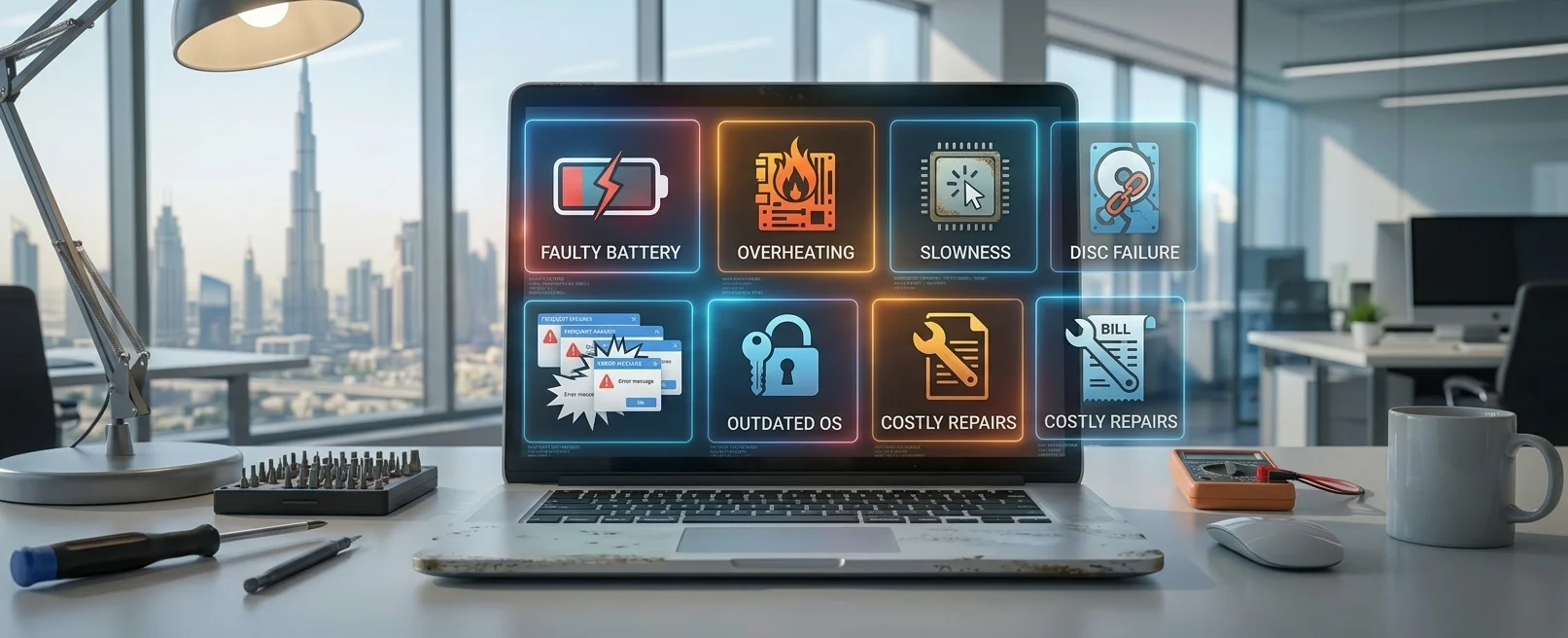
Laptop Repair or Replacement: Which One Makes More Sense?
When an older laptop starts becoming unreliable, the first question many people ask is simple: Should I repair it or buy a new one?
The answer is not always “buy a new laptop.” A computer that feels old may still have plenty of useful life left, especially if the main problem can be solved with an SSD upgrade, RAM upgrade, battery replacement, cooling service or software repair.
However, there are also situations where continuing to repair an aging laptop may no longer be financially sensible.
In this guide, we explain 7 signs that can help you decide whether to repair, upgrade or replace your laptop.
1. The Repair Cost Is Becoming Too High
One of the most important factors is the cost of the repair compared with the value and remaining useful life of the laptop.
A single repair may be completely reasonable. However, if your laptop has recently needed several expensive repairs, the total cost can start approaching the price of a newer and more reliable computer.
Before making a decision, consider:
- The estimated repair cost.
- The age of the laptop.
- The laptop's current specifications.
- Its overall physical condition.
- Whether additional problems are likely to appear.
- The cost of a suitable replacement.
A professional diagnosis can help you understand the actual condition of the device before you spend money on parts.
2. The Laptop Is Too Old for Your Current Work
A laptop may still work perfectly but no longer provide enough performance for the applications you use today.
For example, a computer originally used for basic browsing and office documents may struggle when used for large spreadsheets, professional software, video editing, development tools or demanding multitasking.
In this situation, repairing the existing hardware may not solve the underlying performance limitation.
However, an upgrade may still be possible depending on the laptop model.
3. An SSD Upgrade Could Bring the Laptop Back to Life
If your laptop still uses a traditional mechanical hard disk drive, replacing it with a compatible SSD can be one of the most worthwhile upgrades available.
An SSD can improve system responsiveness, startup times, application loading and everyday file access.
This can make an older laptop feel significantly more responsive without replacing the entire machine.
Before purchasing an SSD, make sure the laptop supports the correct drive type and capacity. A technician can check the laptop's motherboard, storage interface and physical compatibility.
4. You Don't Have Enough RAM
Insufficient RAM can become a problem when you regularly run multiple applications or keep many browser tabs open.
You may notice:
- Slow multitasking.
- Applications becoming unresponsive.
- Slow switching between programs.
- Performance dropping when many browser tabs are open.
- Frequent reliance on virtual memory.
If your laptop supports additional RAM, a memory upgrade may extend its useful life.
However, not every laptop allows RAM upgrades. Some models have memory soldered directly to the motherboard, so compatibility should be checked before purchasing components.
5. The Laptop Is Overheating
Excessive heat can cause performance problems and may also shorten the useful life of computer components.
An older laptop may have accumulated dust inside the cooling system, while the cooling fan may have become worn or restricted. Thermal interface material can also deteriorate over time.
Common warning signs include:
- The fan constantly runs at high speed.
- The laptop becomes unusually hot.
- Performance drops after several minutes of use.
- The laptop shuts down unexpectedly.
- The system becomes unstable during demanding workloads.
In some cases, professional cleaning and cooling-system maintenance can resolve the problem without requiring a new laptop.
6. The Battery Is the Only Major Problem
A weak battery does not necessarily mean the entire laptop needs to be replaced.
If the laptop performs well while connected to its charger but the battery lasts only a short time, replacing the battery may be a much more affordable solution than purchasing a new computer.
Battery replacement should be based on the exact laptop model and a compatible replacement battery.
If the battery is swollen or physically damaged, stop using the laptop and have it inspected by a qualified technician.
7. The Laptop Has Multiple Hardware Problems
There is a point where continuing to repair an old laptop may no longer make financial sense.
If the laptop has several major issues at the same time—for example, a damaged motherboard, failing display, weak battery and storage problems—the combined repair cost can become significant.
In this situation, replacing the laptop may provide better long-term value and reliability.
Repair vs Upgrade vs Replacement
A simple way to think about the decision is to separate the problem into three categories.
Choose Repair When:
- The laptop has a specific hardware fault.
- The rest of the system is in good condition.
- The repair cost is reasonable.
- You are happy with the laptop's existing performance.
Choose an Upgrade When:
- The laptop is otherwise reliable.
- It supports an SSD or RAM upgrade.
- Performance is the main problem.
- You want to extend the laptop's useful life.
Consider Replacement When:
- The laptop has several major hardware problems.
- Repair costs are becoming excessive.
- The hardware is no longer suitable for your workload.
- The laptop cannot support the upgrades you need.
- You need significantly better performance.
Don't Replace Your Laptop Before Checking These 5 Things
Before purchasing a new laptop, check:
- Storage: Is the laptop still using an HDD?
- RAM: Can the memory be upgraded?
- Battery: Is the battery the main problem?
- Cooling: Is overheating affecting performance?
- Hardware condition: Are the motherboard, screen and other major components healthy?
A proper diagnosis can prevent you from spending money unnecessarily.
How Much Should You Spend on an Old Laptop?
There is no universal percentage that determines whether a repair is worth doing. The decision depends on the laptop's age, specifications, condition, repair type and the cost of a suitable replacement.
For example, spending money on an SSD and RAM upgrade can make sense if the laptop is otherwise reliable and meets your requirements.
On the other hand, investing heavily in an old laptop with multiple hardware failures may provide poor long-term value.
The important thing is to compare the total repair and upgrade cost with the cost of replacing the laptop with a device that actually meets your needs.
Can a Technician Tell You Whether It Is Worth Repairing?
Yes. A proper laptop diagnosis can identify the actual cause of the problem and determine which components are healthy and which may need attention.
A technician can check areas such as:
- SSD or hard drive health.
- RAM capacity and condition.
- Battery condition.
- CPU and system temperatures.
- Cooling fan operation.
- Motherboard condition.
- Display and keyboard functionality.
- Charging system.
- Operating system and driver problems.
This gives you the information needed to make a more informed repair-versus-replacement decision.
Laptop Repair and Upgrade Services in Dubai
At Trust IT Skills, we help customers diagnose laptop problems before they make the decision to replace their devices.
Depending on the laptop model and condition, our services can include laptop troubleshooting, hardware diagnosis, SSD upgrades, RAM upgrades, battery replacement, overheating solutions, operating system troubleshooting and general laptop repair.
If your laptop is slow, damaged or becoming unreliable, you do not necessarily need to replace it immediately.
Get the laptop diagnosed first and find out whether repair or upgrading is the smarter option.
Contact Trust IT Skills for professional laptop repair and upgrade services in Dubai.
Frequently Asked Questions
Is it better to repair or replace an old laptop?
It depends on the laptop's age, condition, specifications and repair cost. A laptop with one repairable problem may be worth keeping, while a laptop with multiple major failures may be better replaced.
Is upgrading an old laptop worth it?
It can be. An SSD or RAM upgrade can significantly improve the experience on compatible laptops, especially when the existing storage or memory is limiting performance.
Should I replace my laptop if the battery is bad?
Not necessarily. If the laptop works well when connected to power, replacing the battery may be a more economical solution than replacing the entire laptop.
Can an SSD make an old laptop faster?
Yes. Replacing a traditional mechanical hard drive with a compatible SSD can substantially improve startup times, application loading and general responsiveness.
How do I know if my laptop is worth repairing?
Consider the repair cost, laptop condition, age, specifications and whether the device still meets your needs. A professional diagnosis can help you compare repair or upgrade costs with replacement options.
Where can I get laptop repair in Dubai?
Trust IT Skills provides laptop troubleshooting, repair and upgrade services for customers in Dubai. A diagnosis can help determine whether repairing or upgrading your laptop is the better option.