
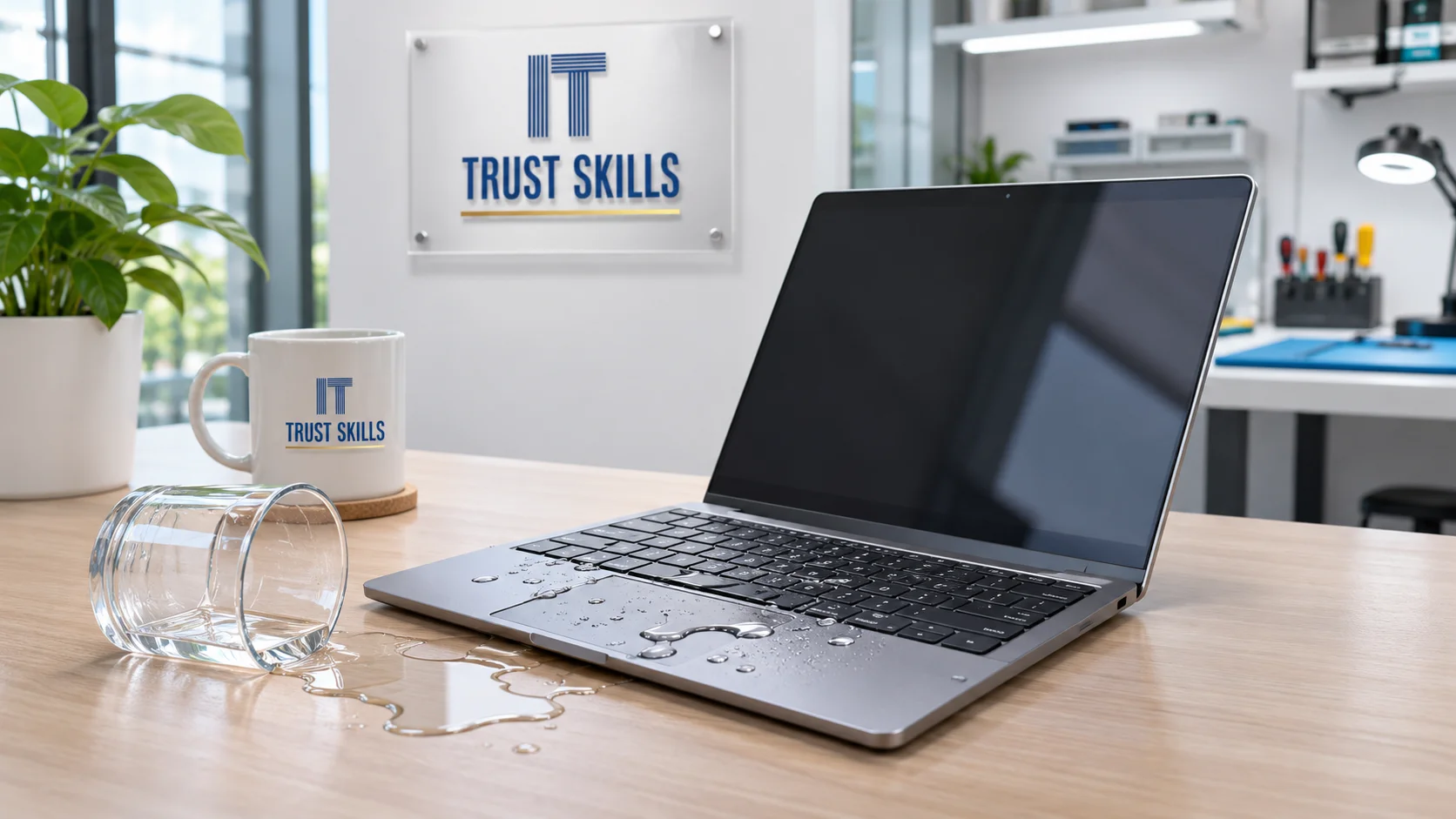
One accidental coffee spill. A glass of water knocked over. A laptop left near an open window during the rain.
Within seconds, your laptop could be exposed to liquid damage that affects far more than its keyboard.
The worrying part? A liquid-damaged laptop may continue working normally even when internal corrosion or electrical damage has already begun.
Whether you use your laptop for business, university, gaming, or everyday work, understanding the risks can help you avoid making a bad situation worse.
At Trust IT Skills, we provide professional laptop repair services in Dubai, including assessment of liquid-related hardware faults, motherboard problems, and devices that no longer turn on.
Here are seven important things you should know after spilling liquid on your laptop.
1. Your Laptop Can Be Damaged Even If It Still Works
One of the biggest mistakes people make after a spill is assuming everything is fine because the laptop continues running.
Liquid can reach internal components without immediately causing an obvious failure.
Depending on where it enters, it may affect the keyboard, connectors, motherboard, charging circuitry, or other components.
Sometimes the first symptoms appear hours or days later.
If liquid has entered your laptop, professional inspection is advisable even if it appears to be functioning normally.
2. Turning the Laptop Back On Can Make the Problem Worse
After a spill, many people immediately try switching their laptop on to check whether it still works.
However, powering a wet device can increase the risk of electrical short circuits and additional component damage.
If a spill has occurred:
Shut the laptop down immediately if it is still running.
Disconnect the charger and external accessories if it is safe to do so.
Do not reconnect power or attempt to restart it.
Arrange professional assessment.
If there are signs of battery damage, swelling, smoke, or unusual heat, stop handling the device and seek appropriate professional assistance.
A laptop that appears dry on the outside may still contain moisture internally.
3. Water Is Not the Only Liquid That Causes Damage
Coffee, tea, soft drinks, and other beverages can create additional problems because they may leave conductive or sticky residues.
Depending on the liquid, these residues can affect internal contacts, keyboard mechanisms, and electronic components.
Even a relatively small amount of liquid can cause damage if it reaches sensitive areas.
The extent of the problem depends on the liquid, the amount spilled, where it entered, and whether the laptop remained powered.
A professional inspection can help determine which components have been affected.
4. Liquid Damage Can Affect the Motherboard
The motherboard is one of the laptop's most important components.
It connects the processor, memory, storage, charging circuits, and other essential hardware.
When liquid reaches the motherboard, it may create electrical faults or lead to corrosion.
Warning signs can include:
The laptop suddenly refusing to turn on.
Unexpected shutdowns.
Charging failures.
A keyboard or touchpad that stops responding.
USB ports or other connections becoming unreliable.
Intermittent display problems.
These symptoms do not always mean the entire motherboard needs replacement.
Professional diagnosis can determine whether component-level repair, cleaning, or replacement is appropriate.
5. Rice, Hair Dryers, and Other Home Remedies Are Not Reliable Repairs
You may have seen suggestions online recommending that you place a water-damaged laptop in rice or use a hair dryer to dry it.
These methods are not reliable ways to address internal liquid damage.
Rice does not remove corrosion or residue from electronic components, while excessive heat can damage plastic parts, adhesives, batteries, or other sensitive components.
Even when moisture evaporates, contamination may remain inside the laptop.
Avoid using heat or attempting complicated internal repairs without the proper equipment and experience.
Professional assessment is a safer option when liquid may have reached internal electronics.
6. Your Important Files May Still Be Recoverable
One of the biggest concerns after a laptop spill is losing important files.
Business documents, family photographs, university projects, and other valuable information may be stored on the affected device.
Fortunately, a laptop that no longer turns on does not automatically mean its data has been lost.
Recovery possibilities depend on the storage technology, encryption, and whether the storage device or associated electronics have been damaged.
Some laptops use removable SSDs, while others have storage integrated into the motherboard.
At Trust IT Skills, we can assess storage-related problems and advise on appropriate next steps, including when specialized recovery services may be necessary.
If your data is important, mention this before approving any repair or replacement work.
7. Early Professional Inspection May Reduce Further Damage
A liquid-damaged laptop should not be treated like an ordinary software problem.
The visible symptoms may not reveal the full extent of the damage.
Depending on the situation, a professional technician may need to inspect internal components, assess corrosion, evaluate the charging system, and determine which parts remain functional.
Not every liquid-damaged laptop can be repaired, but early evaluation can help determine whether repair is practical and may reduce the chance of further damage.
The sooner the device is assessed without unnecessary power-on attempts, the better the opportunity to understand and address the damage.
Can a Water-Damaged Laptop Be Repaired?
Yes, some water-damaged laptops can be repaired.
However, the outcome depends on several factors, including:
The type and amount of liquid.
Which internal components were affected.
Whether electrical damage occurred.
The extent of corrosion or residue.
The laptop model and availability of components.
Whether the laptop was powered after the spill.
Some cases may require internal cleaning and inspection, while others involve damaged keyboards, connectors, charging circuits, or motherboard components.
A professional diagnosis helps determine whether repair is feasible and economically worthwhile.
How Much Does Laptop Water Damage Repair Cost in Dubai?
There is no single price for every liquid-damaged laptop.
Repair costs depend on the extent of the damage, the affected components, the laptop model, and the work required.
A minor issue involving an accessible component may have a very different repair cost from severe motherboard damage.
At Trust IT Skills, customers can request an assessment to understand the issue and available repair options before deciding how to proceed.
Professional Laptop Water Damage Repair in Dubai
Spilled water, coffee, or another liquid on your laptop? Don't risk making the damage worse by repeatedly trying to turn it on.
Trust IT Skills provides professional laptop hardware diagnosis and repair services in Dubai Silicon Oasis, supporting customers across Dubai.
Our technicians can assess problems involving:
Liquid-damaged Windows laptops.
MacBooks affected by liquid spills.
Laptops that no longer turn on.
Motherboard-related hardware faults.
Charging problems after liquid exposure.
Damaged keyboards and connectors.
Storage and data-access concerns.
We work with a wide range of laptop brands, including Dell, HP, Lenovo, ASUS, Acer, Apple MacBook, and Microsoft Surface.
Why Choose Trust IT Skills?
Professional laptop hardware diagnosis.
Assessment of motherboard and electronic component faults.
Repair recommendations based on actual damage.
Support for major laptop brands.
Guidance on repair feasibility and data-related risks.
Convenient repair support in Dubai Silicon Oasis.
Don't Wait for the Damage to Get Worse
If you have spilled liquid on your laptop, switch it off, disconnect power when safe, and avoid turning it back on before it has been assessed.
Contact Trust IT Skills for professional laptop liquid damage diagnosis and repair assistance in Dubai.
Visit: trustitskills.ae
Frequently Asked Questions
Can a laptop survive a water spill?
Yes, some laptops survive liquid spills without permanent damage. However, internal moisture and contamination can cause problems even when the laptop initially appears to work normally.
My laptop works after spilling water. Should I still get it checked?
Yes. A professional assessment is advisable because some liquid-related faults or corrosion may not produce immediate symptoms. Keep the device switched off until it has been assessed.
Can a laptop motherboard be repaired after water damage?
Some motherboard faults can be repaired, depending on the affected components and severity of the damage. Others may require replacement or may be uneconomical to repair.
Will I lose my files if water damages my laptop?
Not necessarily. Data recovery may still be possible, depending on the storage device, encryption, and extent of the damage. Avoid restarting the laptop simply to check the files.
Does putting a laptop in rice fix liquid damage?
No. Rice does not reliably remove internal moisture, residue, or corrosion. Professional inspection is a better option when liquid may have entered the device.
Where can I get laptop water damage repair in Dubai?
Trust IT Skills provides laptop repair and hardware assessment services in Dubai Silicon Oasis. Contact the team through trustitskills.ae to discuss your device and the next steps.
Final Thoughts
A liquid spill does not always mean your laptop is beyond repair.
However, continuing to use a potentially damaged device can increase the risk of additional faults.
If your laptop has been exposed to water, coffee, or another liquid, prioritize safety, avoid repeated startup attempts, and have the device professionally assessed.
Need laptop water damage repair in Dubai? Contact Trust IT Skills and find out whether your laptop can be repaired before deciding to replace it.